Overview #
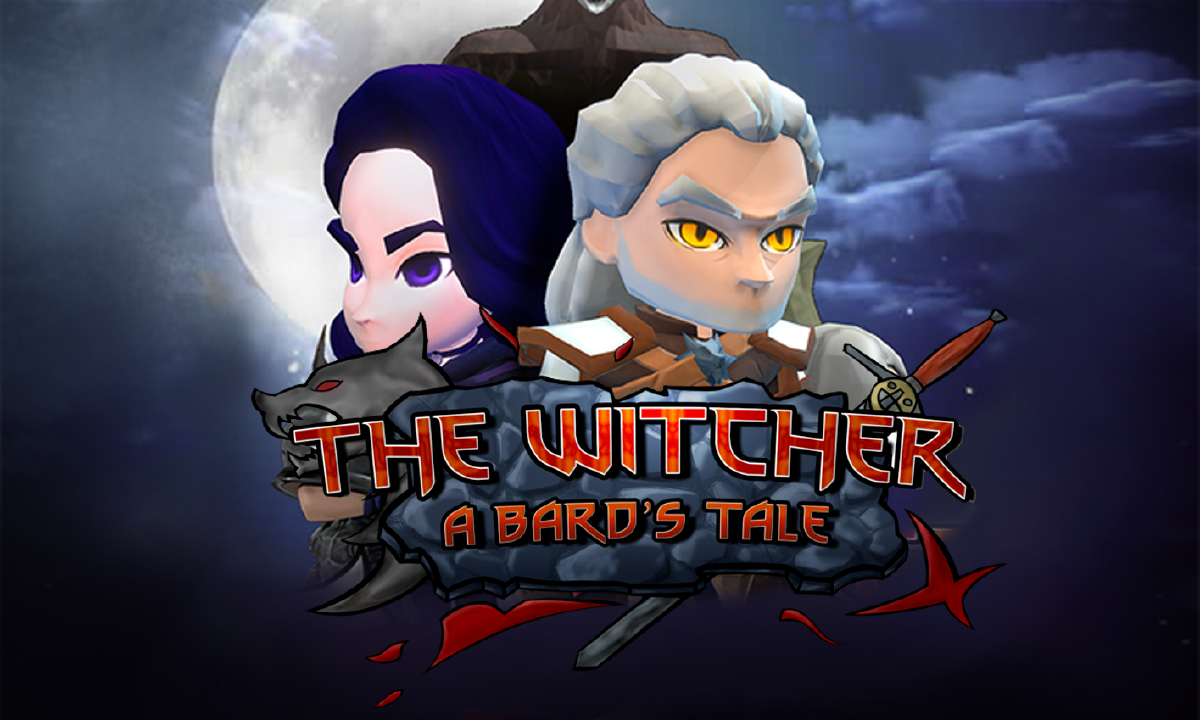
The Witcher: A Bard’s Tale is a cooperative beat-’em-up / hack-and-slash adventure. Players control Geralt of Rivia and Yennefer of Vengerberg as they fight to rescue Ciri.
About the project #
This is a university group project built with a custom C++ engine and OpenGL. The design focuses on responsive combat, cinematic boss encounters, and polished presentation. My work spans graphics programming, gameplay tooling, and content creation.
My individual contributions #
- GPU skinning (vertex shader skinning)
- Subtitles system (JSON import + typewriter effect)
- Boss presentation (cinematic camera movement)
- Dummy enemy for combat testing
- Dissolve shader effects
- Main character models and 3D assets
- Scene lighting
- HUD design and menu polish
Skinning with shaders #
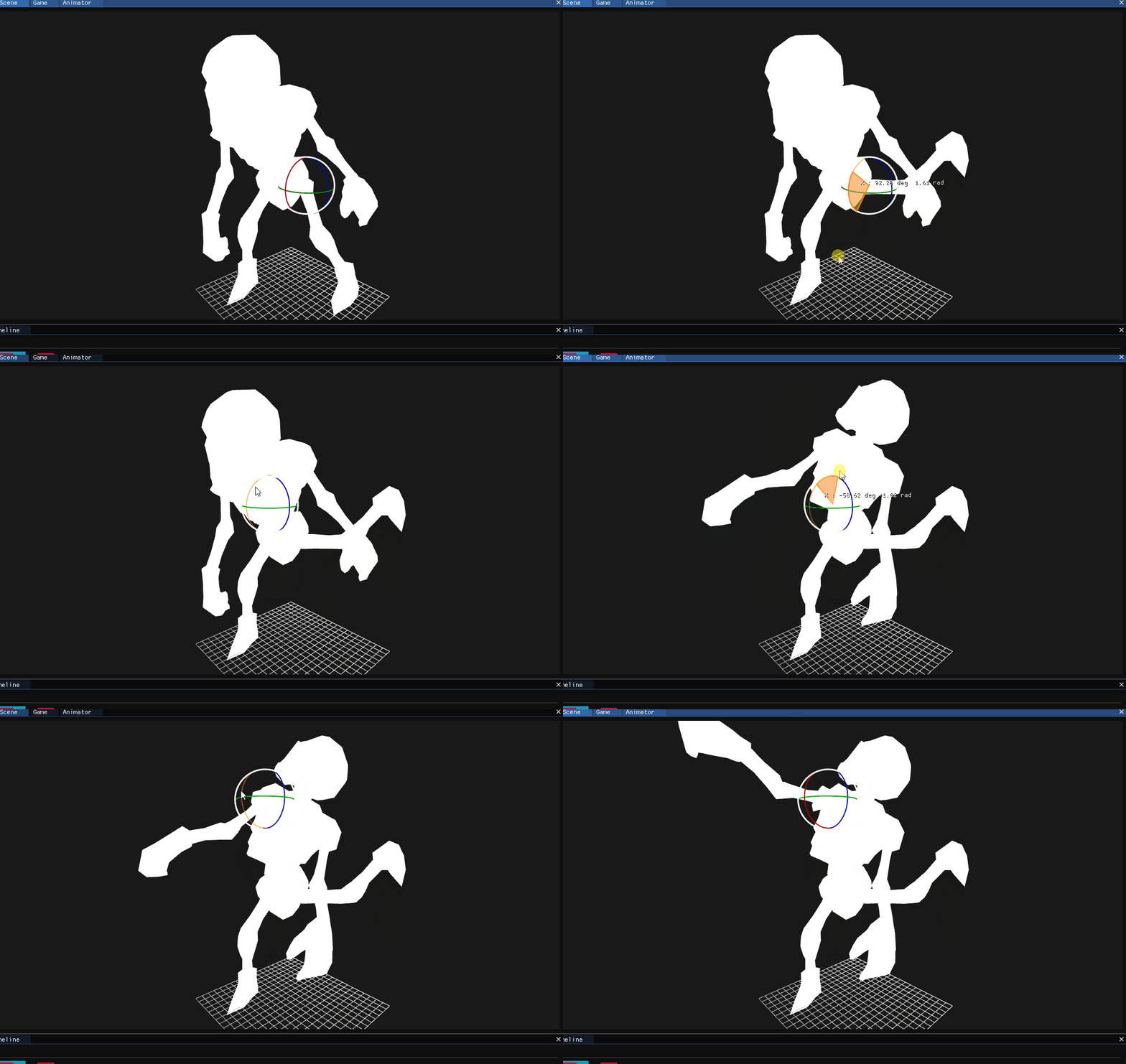
To improve runtime performance we moved skinning to the GPU (vertex skinning in the vertex shader). Each vertex stores:
- an
ivec4of bone indices (maximum 4 bones per vertex), and - a
vec4of bone weights (one weight per bone index).
On the CPU we upload an array of bone transformation matrices (one mat4 per bone). The vertex shader reads the bone indices and weights, builds a skinning matrix from the corresponding bone matrices, and transforms the vertex position and normal entirely on the GPU.
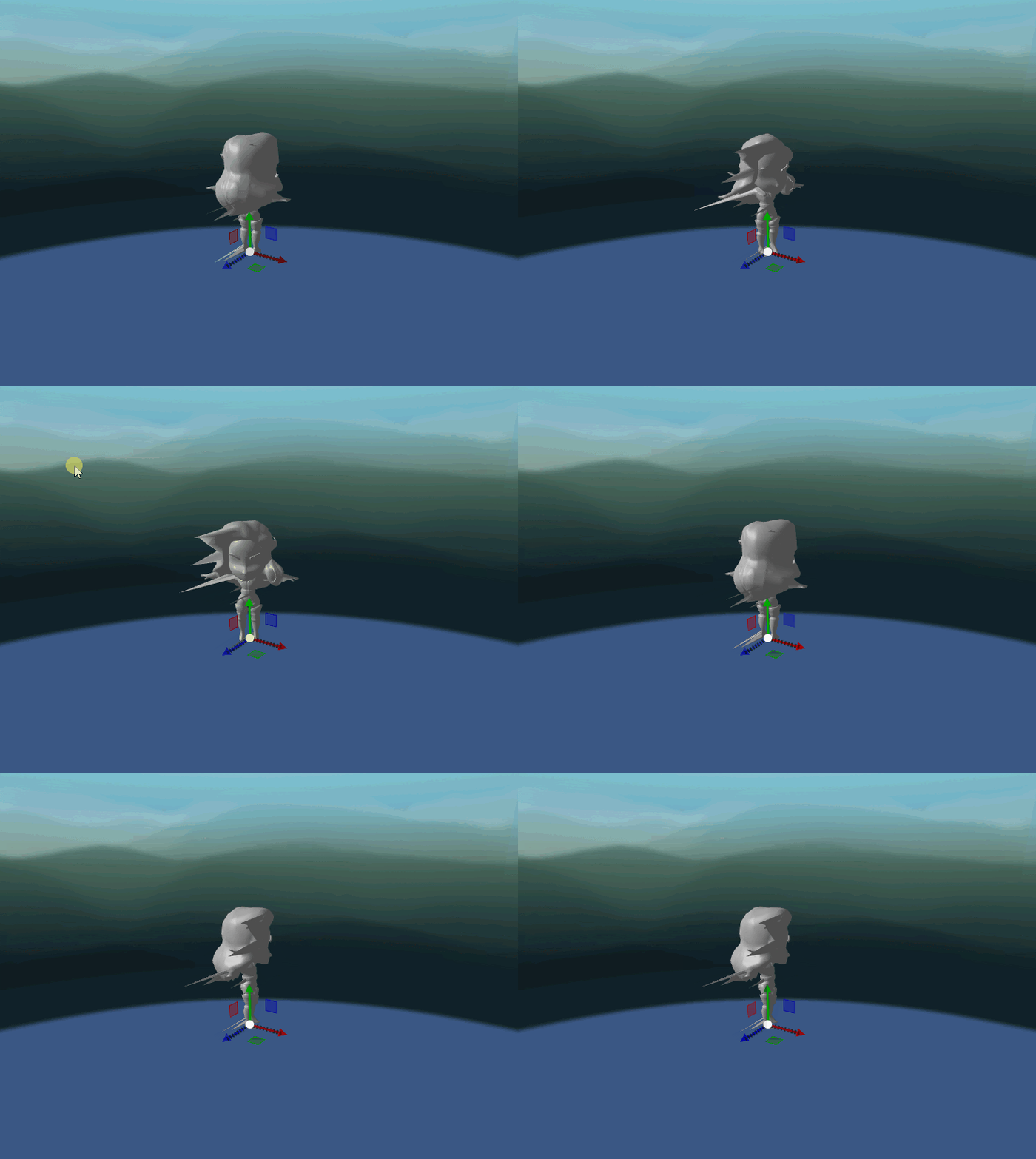
I also fixed a bug where some models collapsed toward the origin. The root cause was applying bone transforms relative to the original vertex positions instead of using the mesh origin; the fix was to compute skinned positions relative to the mesh origin and correctly apply bone transformations.
Subtitles system #
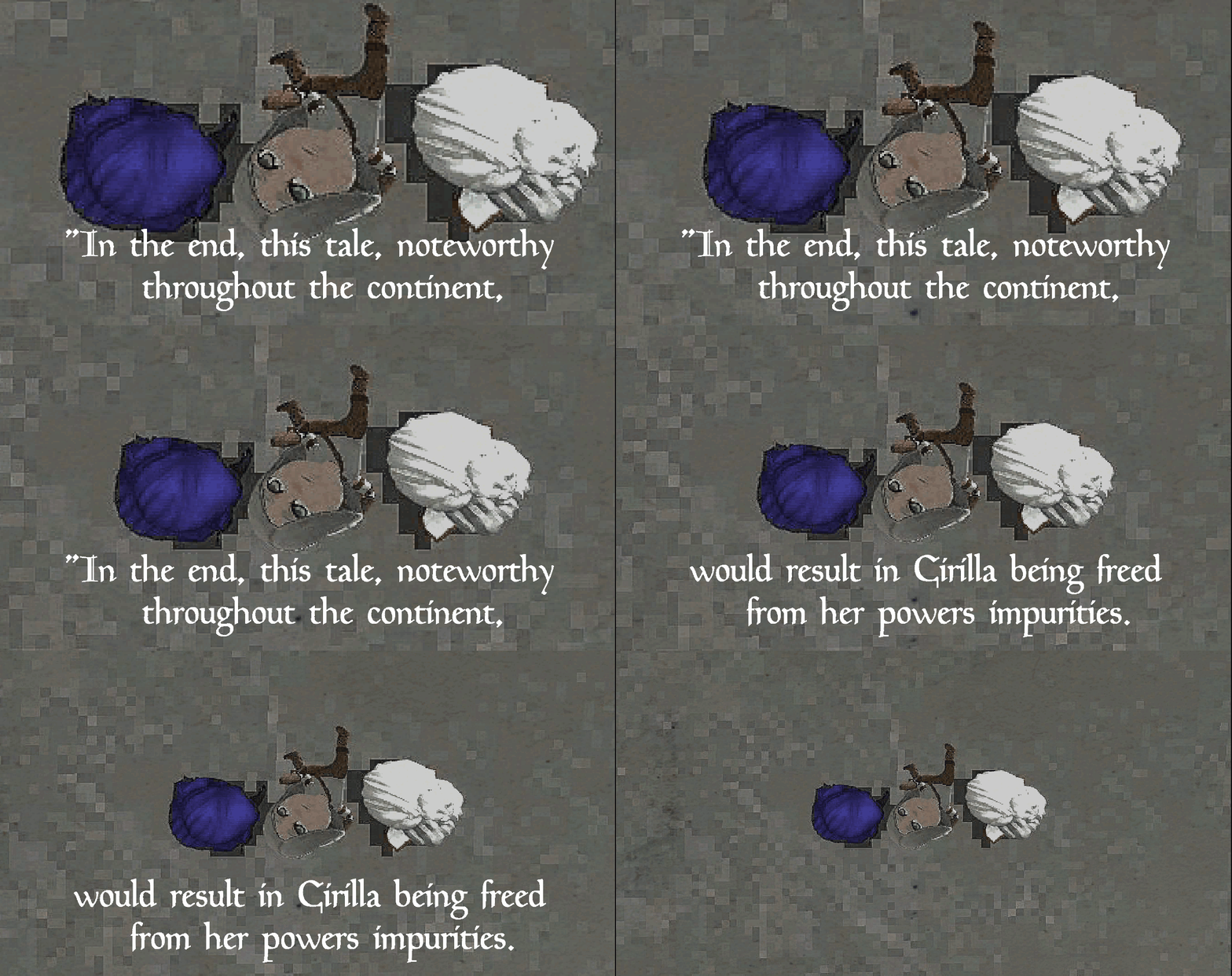
The game includes narrative sequences that require subtitles. We used Subtitle Horse to author subtitles and exported them to JSON in order to easily integrate them into our engine.
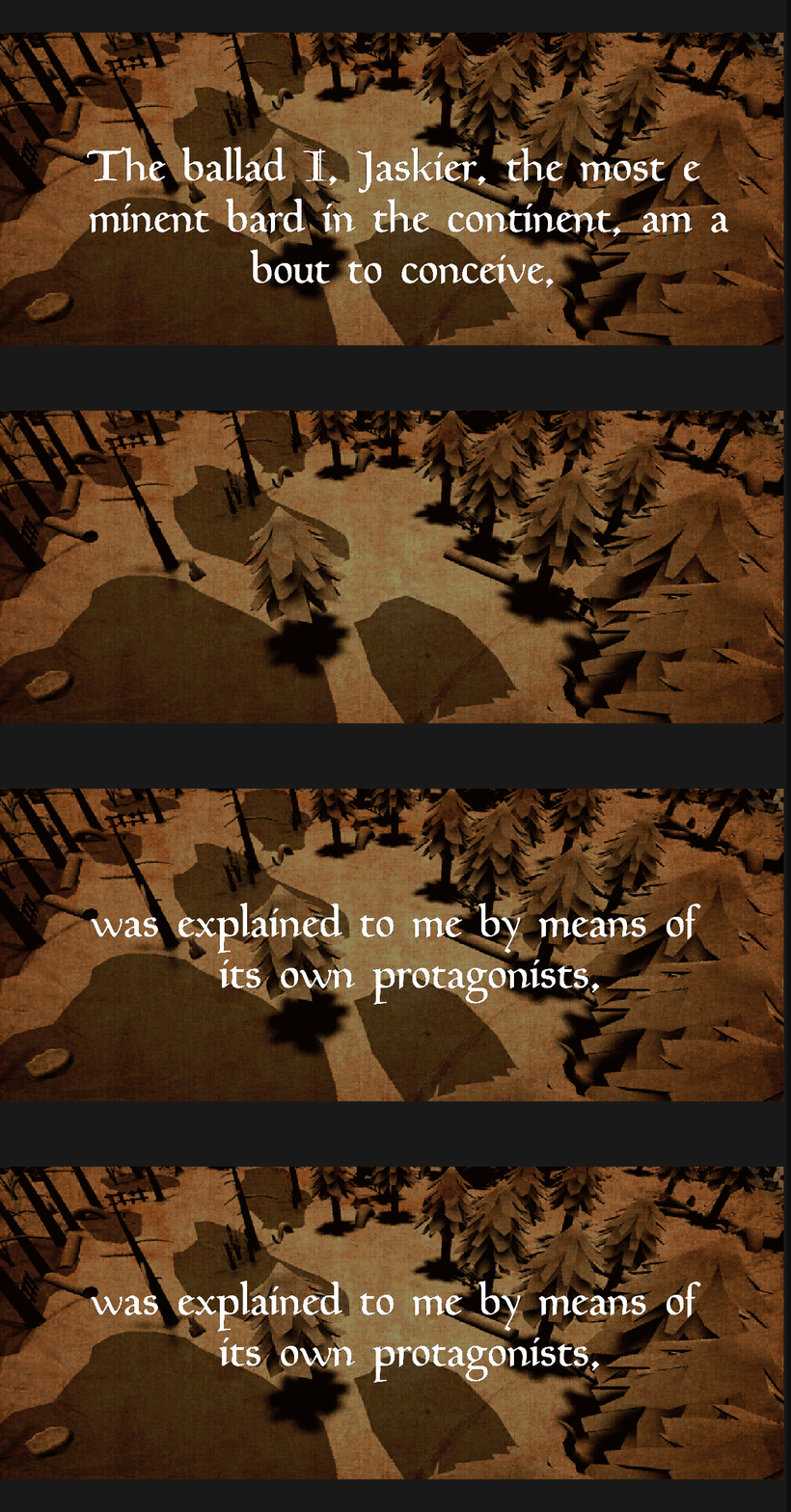
I implemented a Subtitles Manager that:
- Loads subtitle timings and text from JSON files
- Displays timed lines with a typewriter effect
- Synchronizes subtitles with cutscene timings
Boss presentation (cinematic camera) #
For boss introductions I created a cinematic camera system. The camera follows a Bezier curve to focus on the boss for a dramatic reveal. It then smoothly returns to the player before gameplay resumes.
This is implemented as a small script that samples a cubic Bezier over normalized time and interpolates both position and orientation.
Dummy enemy #
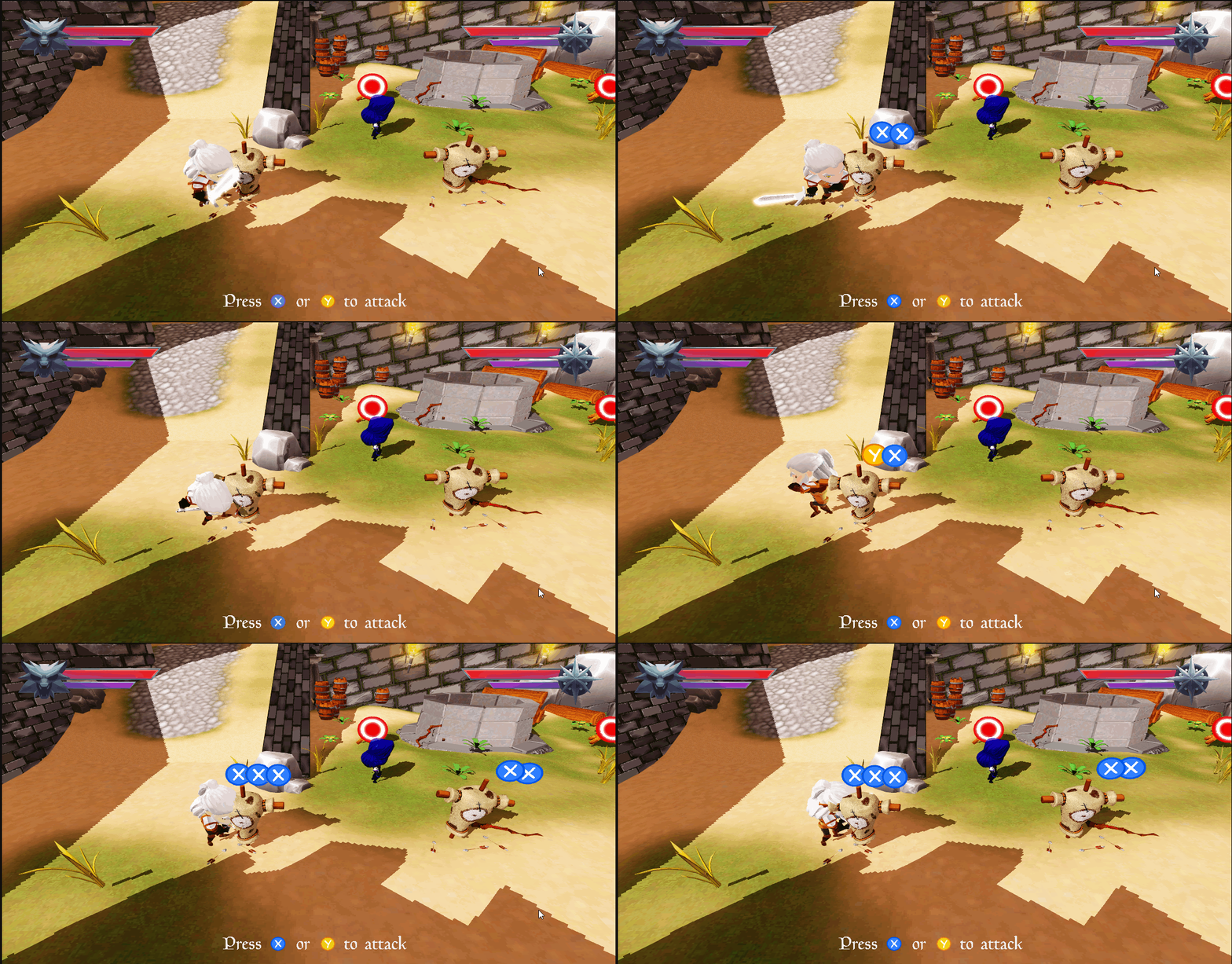
I implemented a dummy enemy used for combat training. The dummy lets players exercise attacks and combos and helps the team debug input timing, hit detection, and animation transitions.
Dissolve shader #
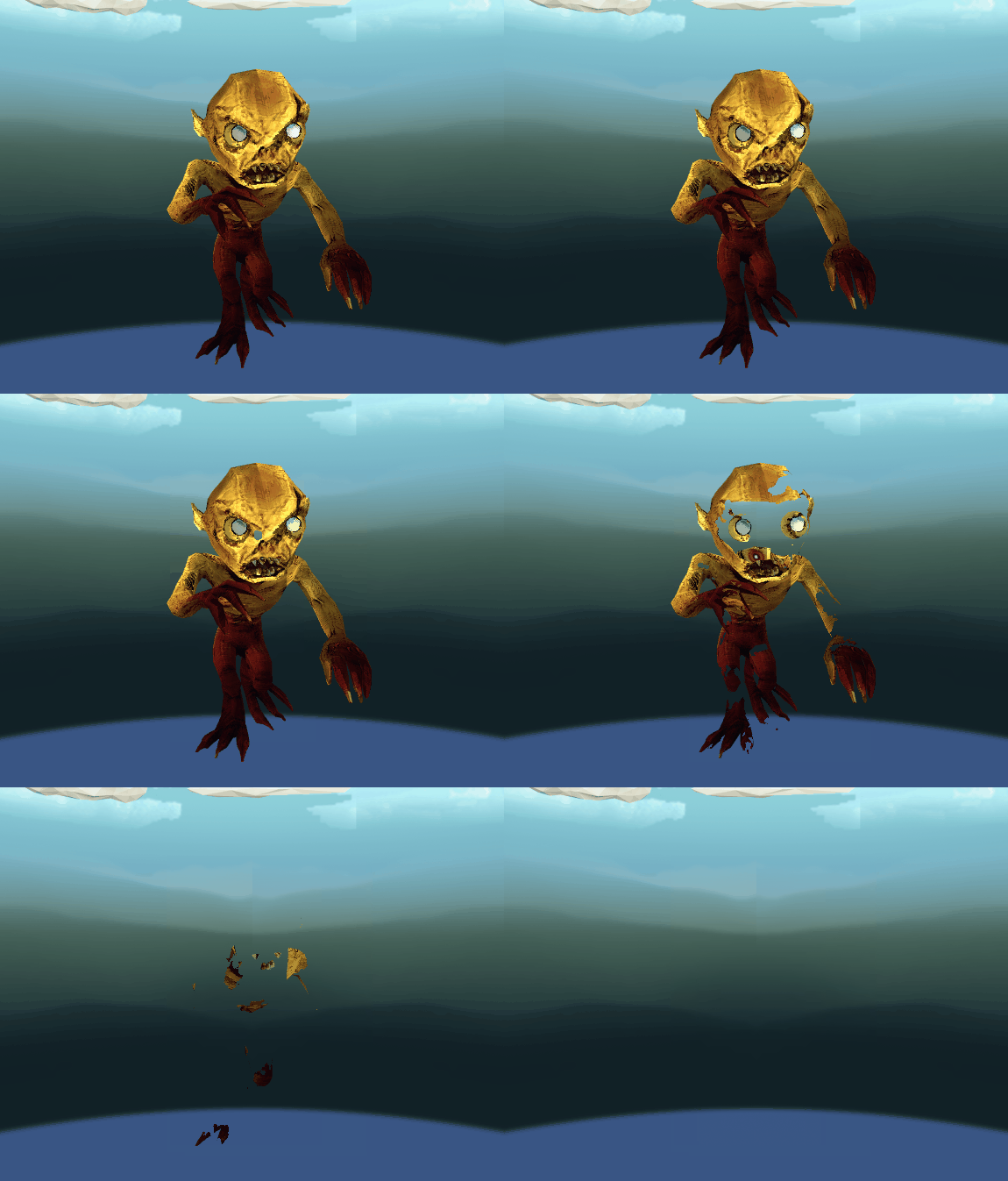
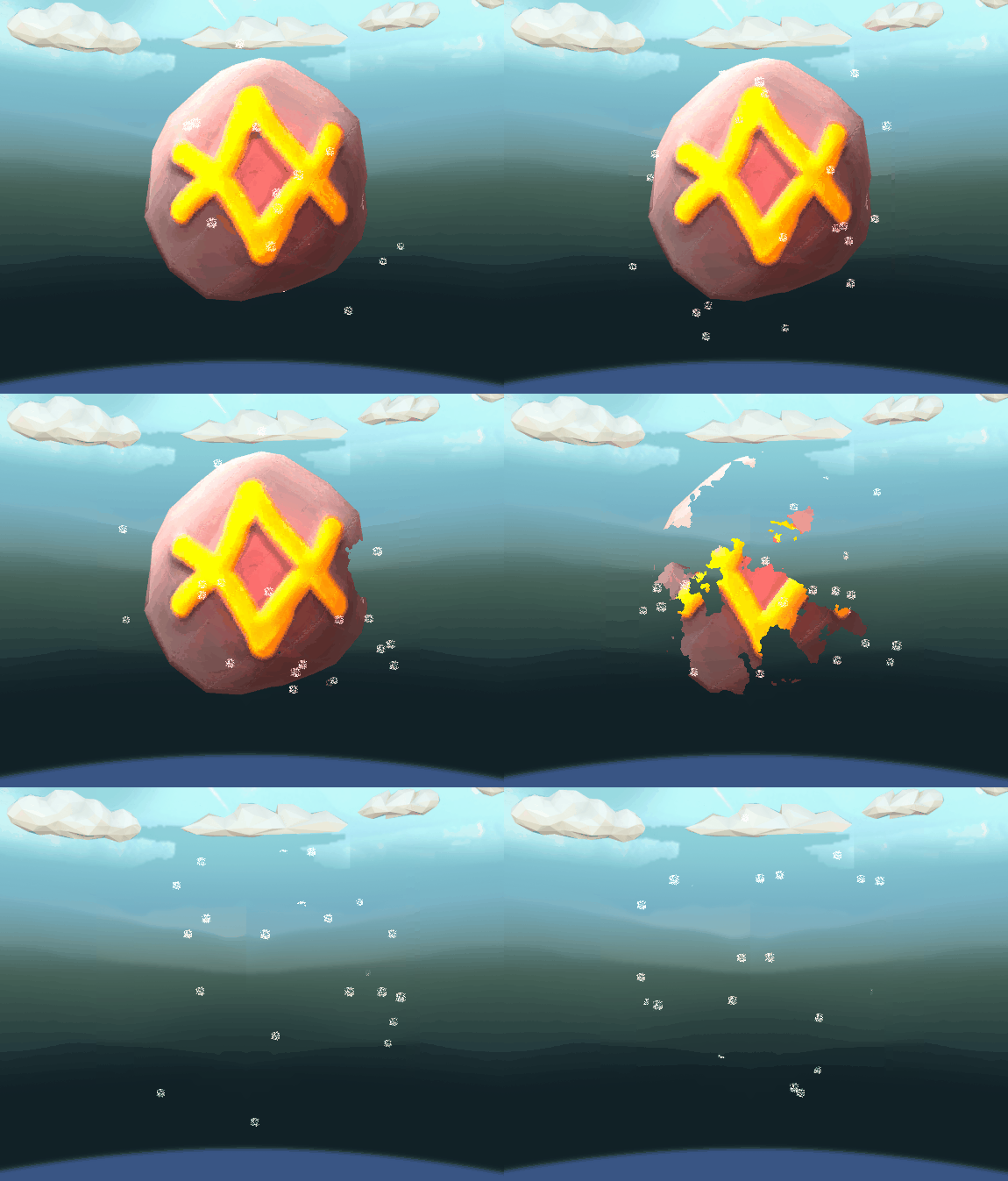
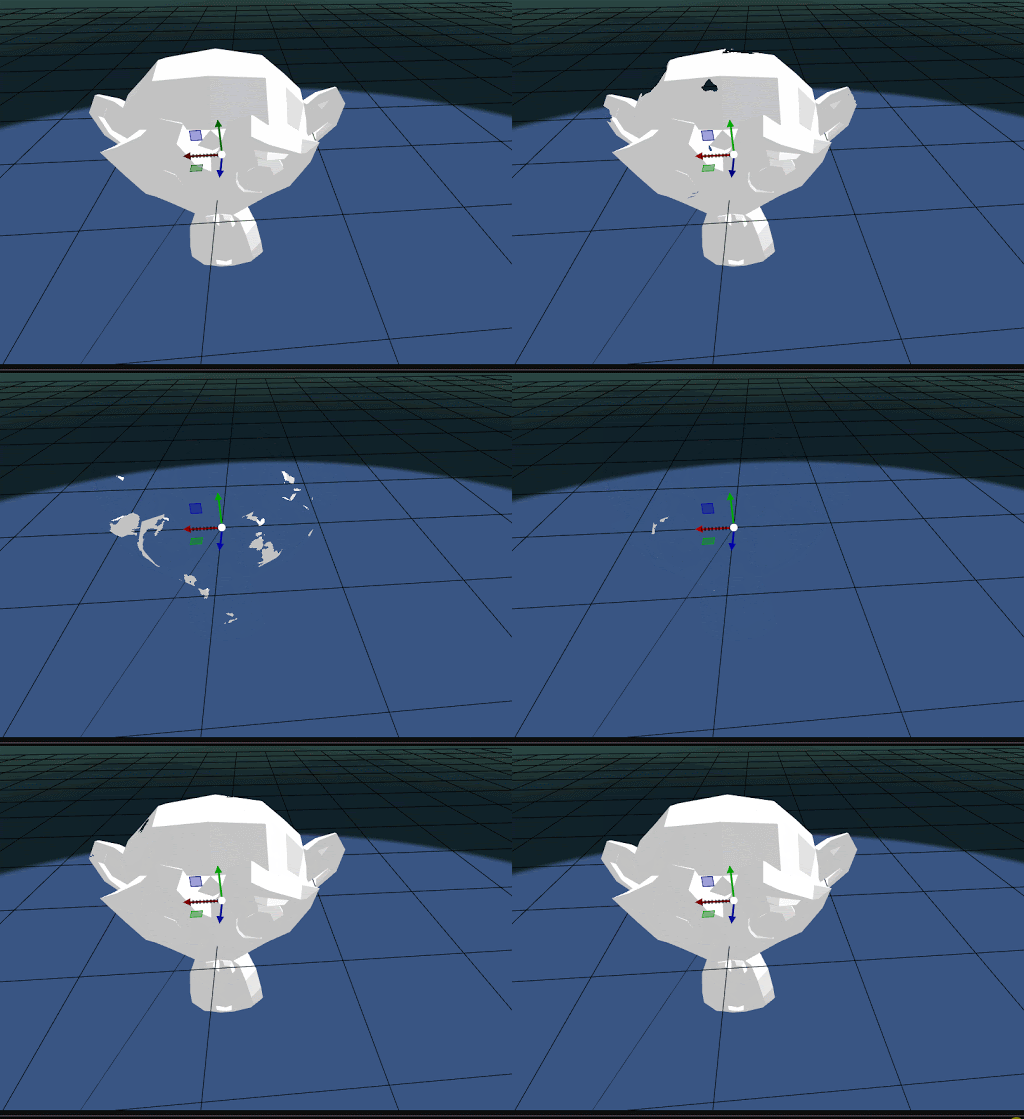
I implemented a dissolve shader for stylized appearance/disappearance transitions. The effect uses a noise texture (or procedural noise) and a parameter that drives a threshold mask—this creates smooth, controllable fade-ins/fade-outs with edge detail.
3D models and assets #
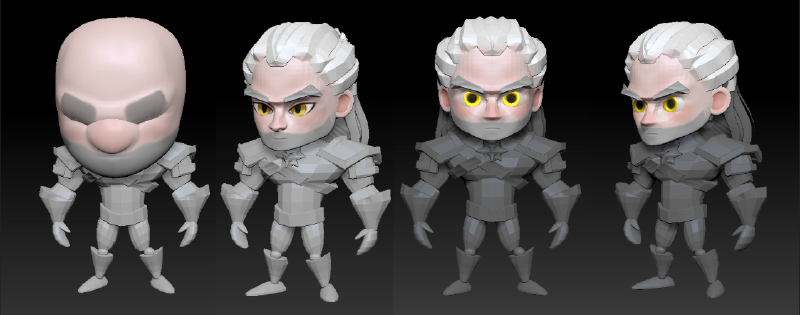
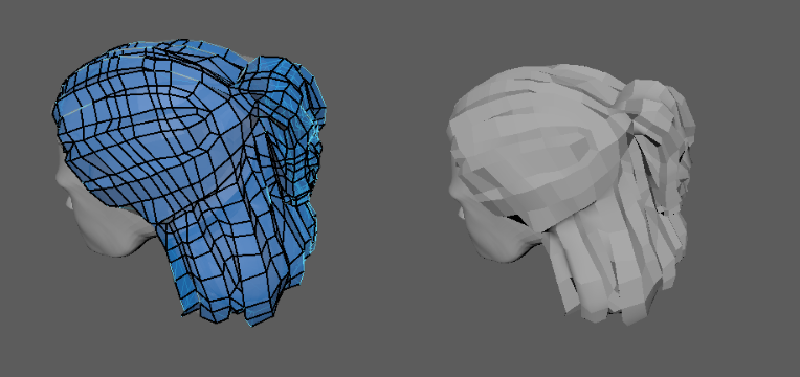
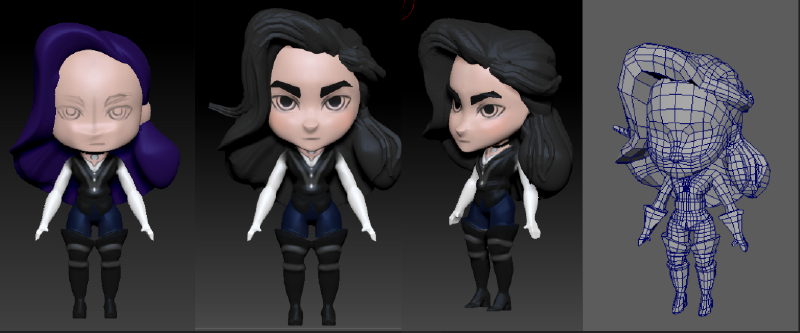
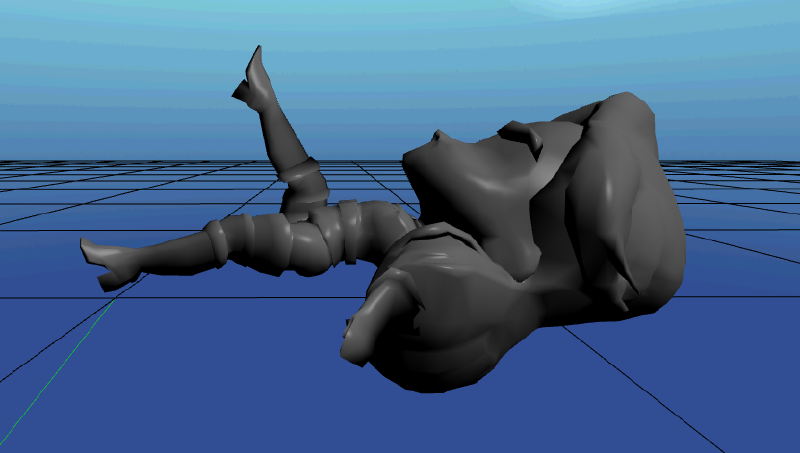
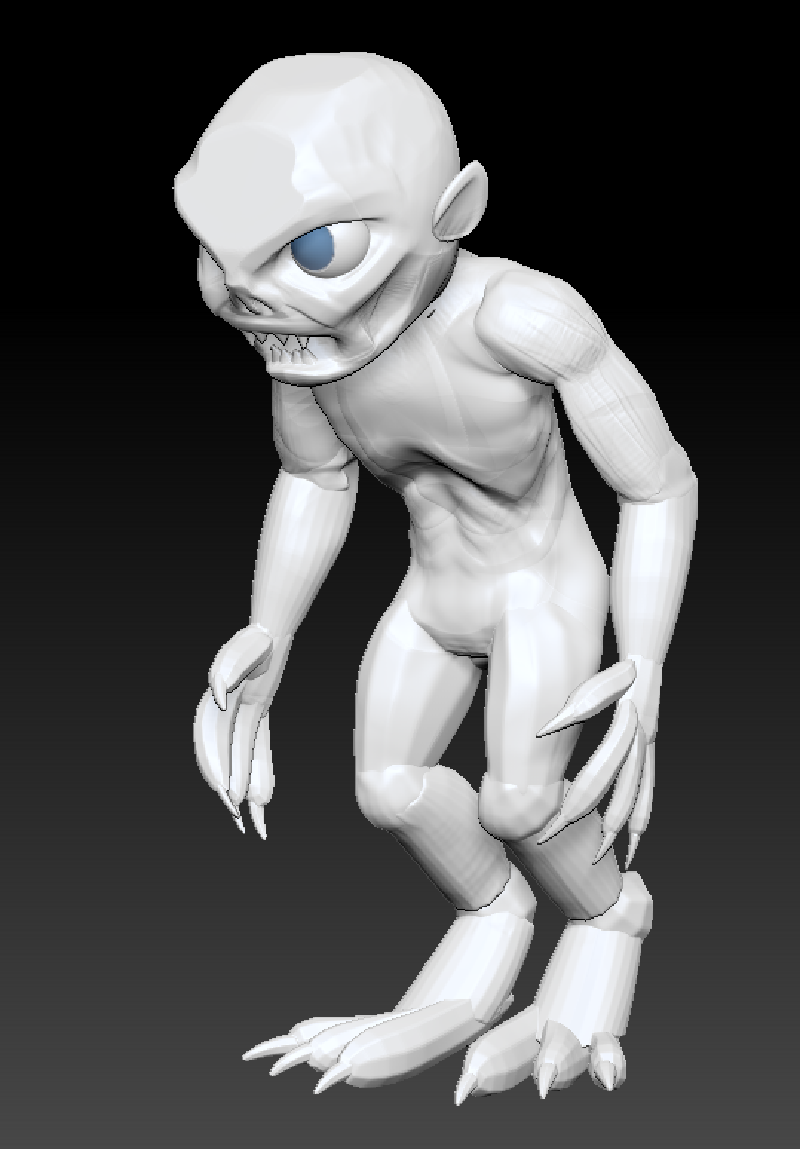
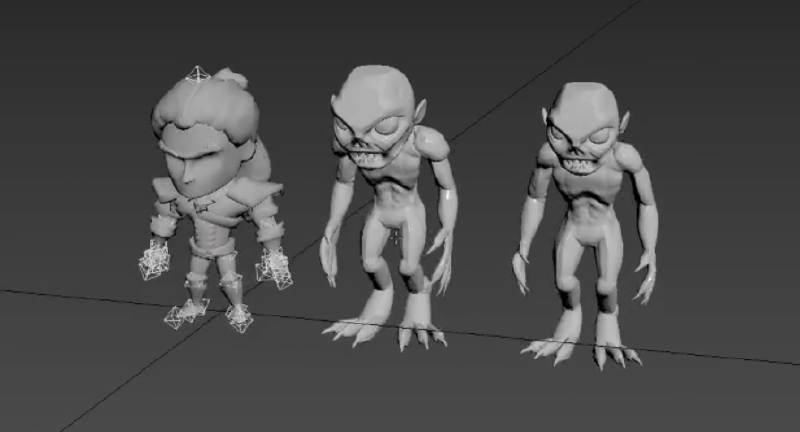
I produced characters and game assets, and learned the production art pipeline: sculpting, retopology in Maya, texture painting in Substance, and creating low-poly bases for production.
Geralt of Rivia #
Yennefer of Vengerberg #
Ghoul enemy #
Other assets #
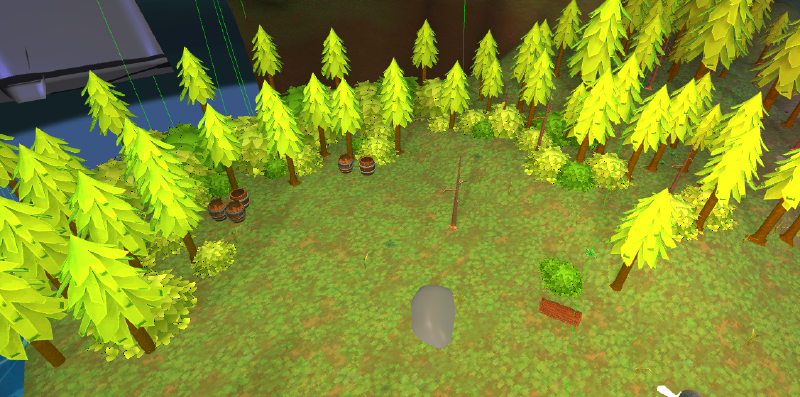
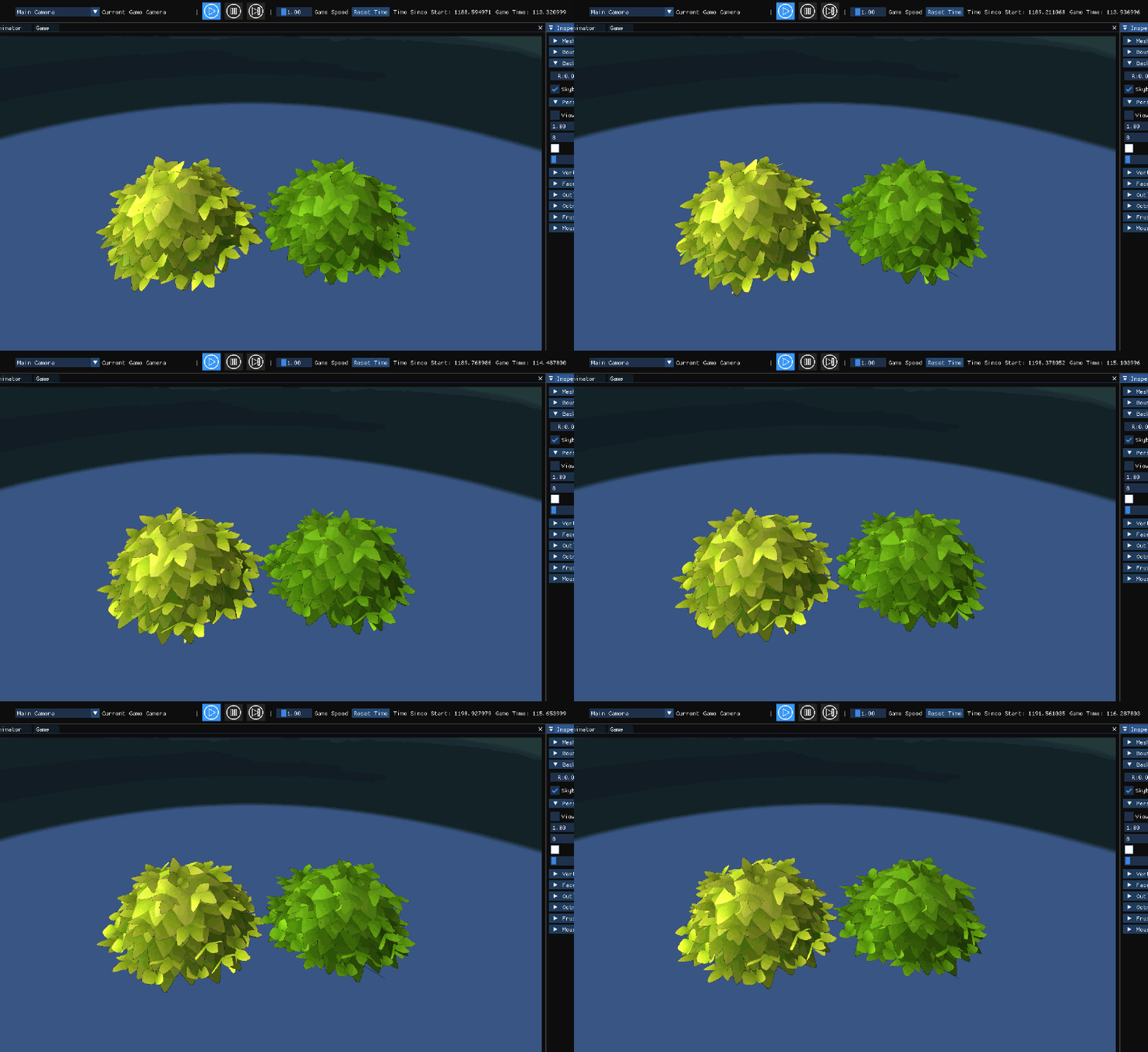
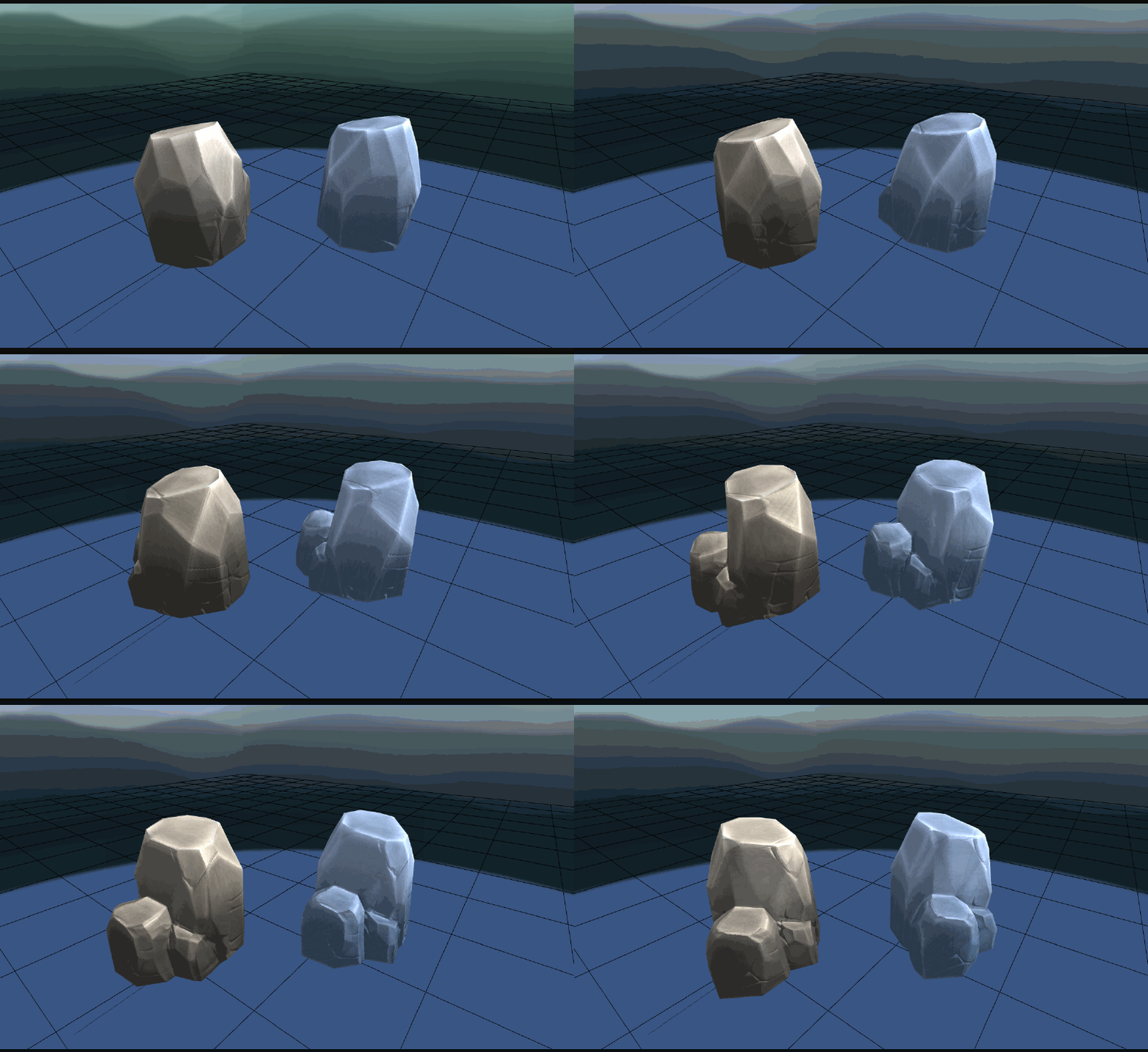
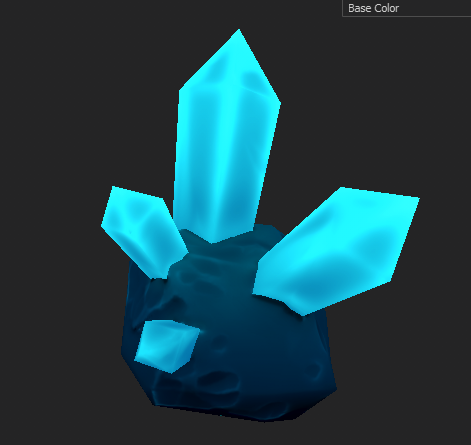
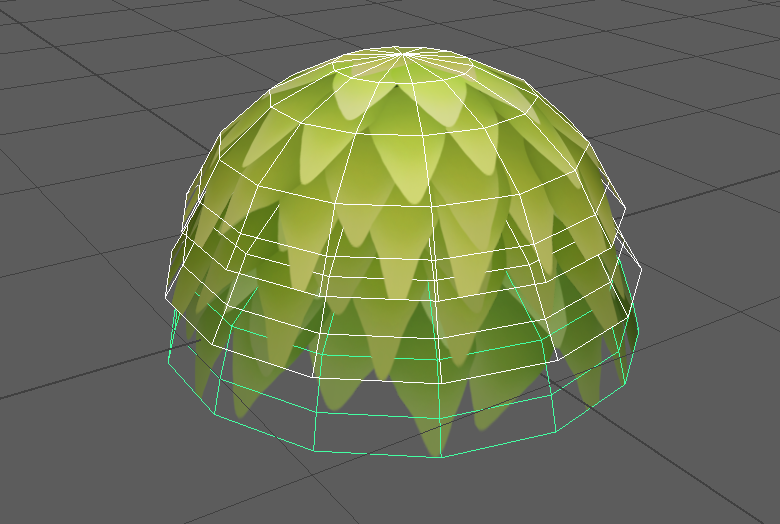
I created environmental props such as bushes, rocks and minerals used across scenes.
HUD design #
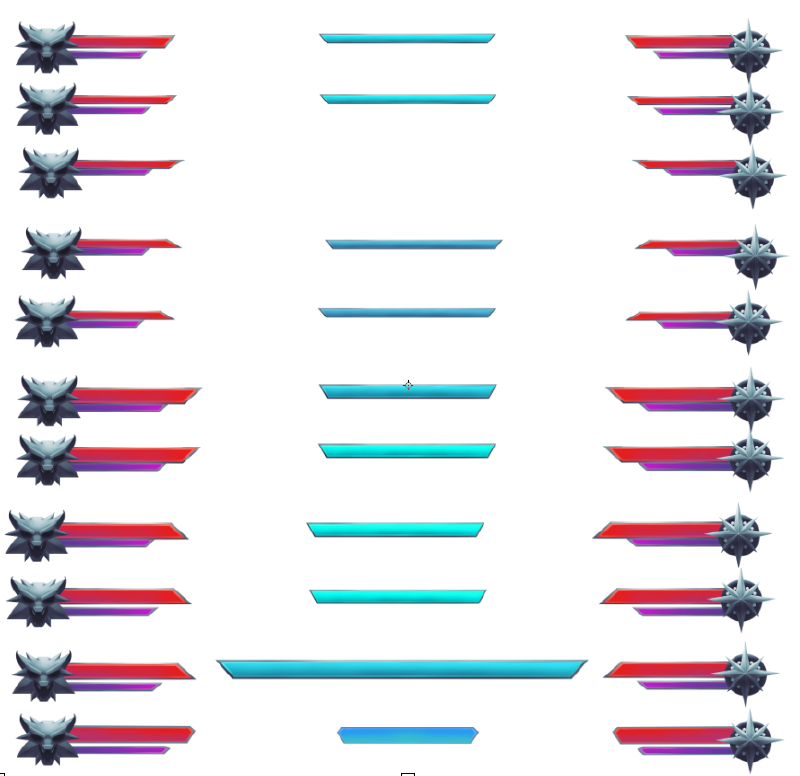
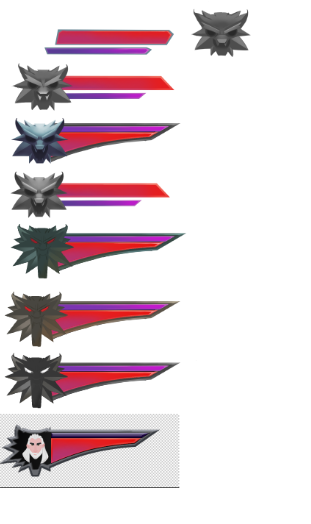
I created the HUD layout and icons, iterated on UI prototypes, and implemented polished icons and feedback elements.
Main menu polish #
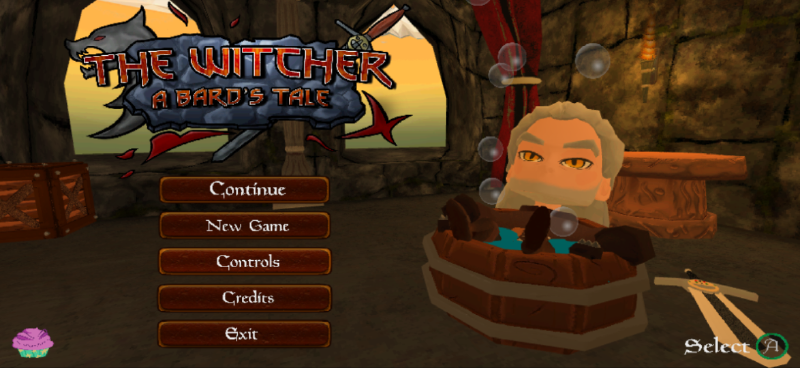
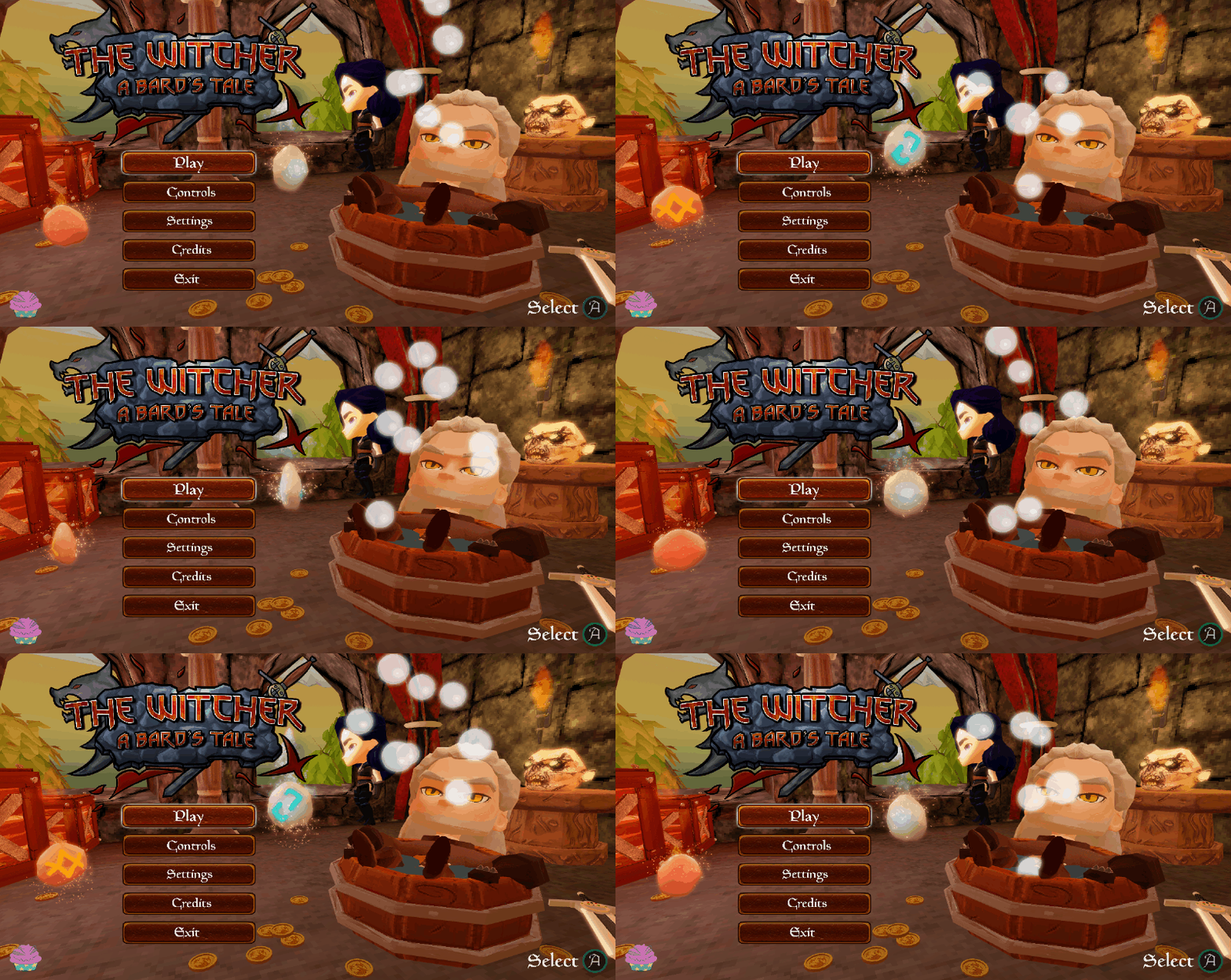
For the main menu I added particle systems and a global bloom post-process to make the scene feel more dynamic and atmospheric.
Lighting tweaks #
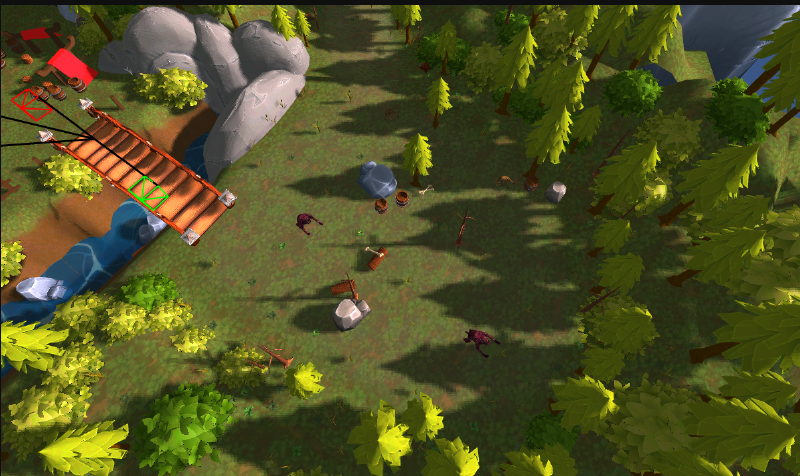
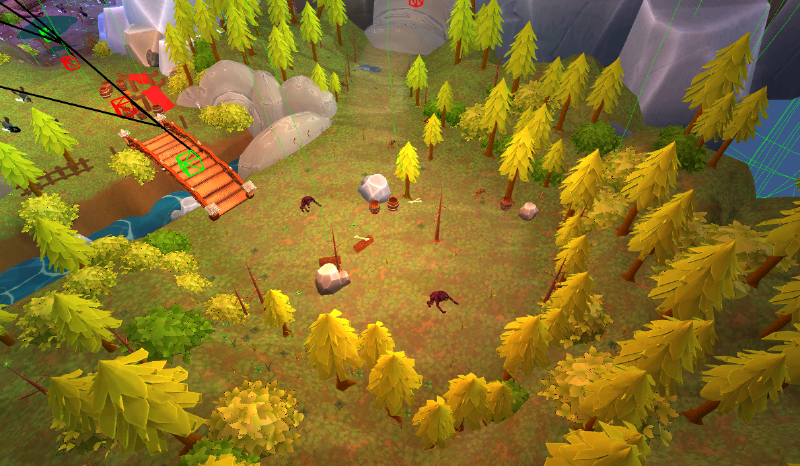
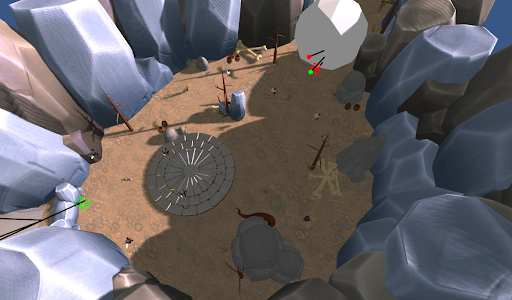
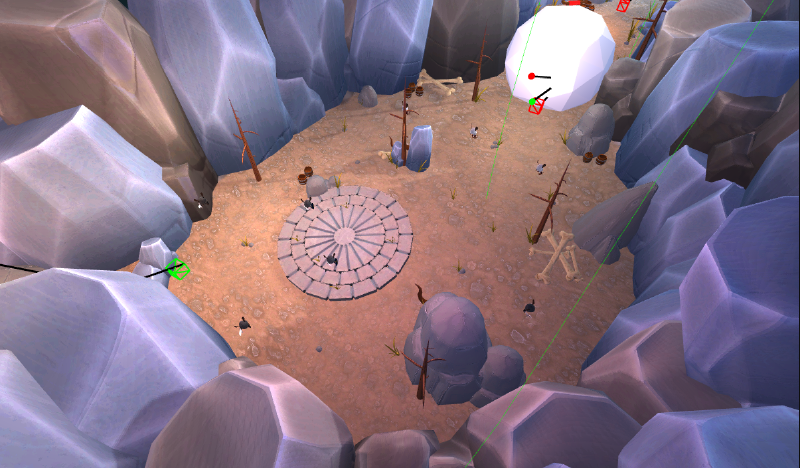
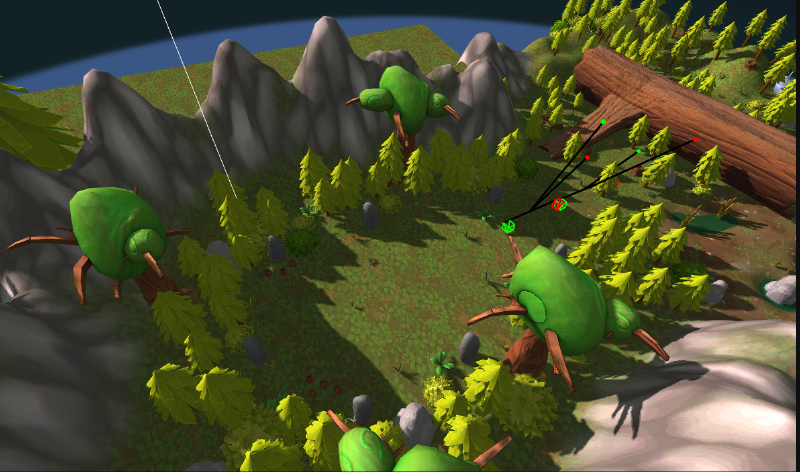
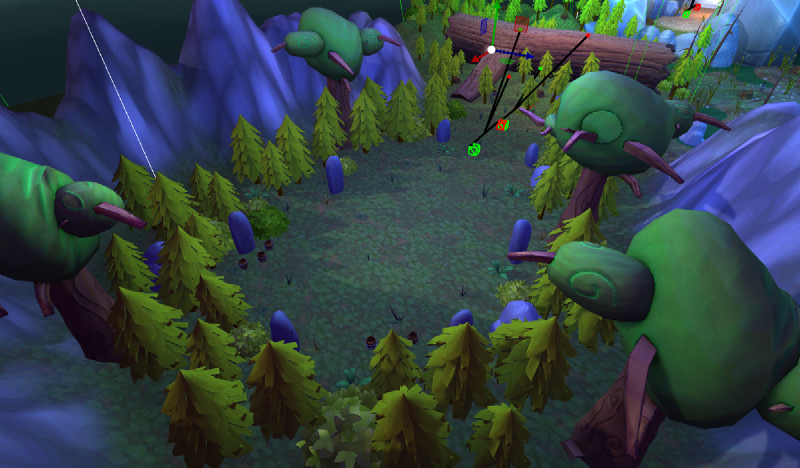
I iterated on scene lighting to match each arena’s atmosphere, balancing directional lights, ambient contribution and baked elements where appropriate.
Links & downloads #
- Demo / build: Play on GitHub Pages
- Source: Github Repository
- Game Website: Game Website